Cloud Migration Strategy for Small Business
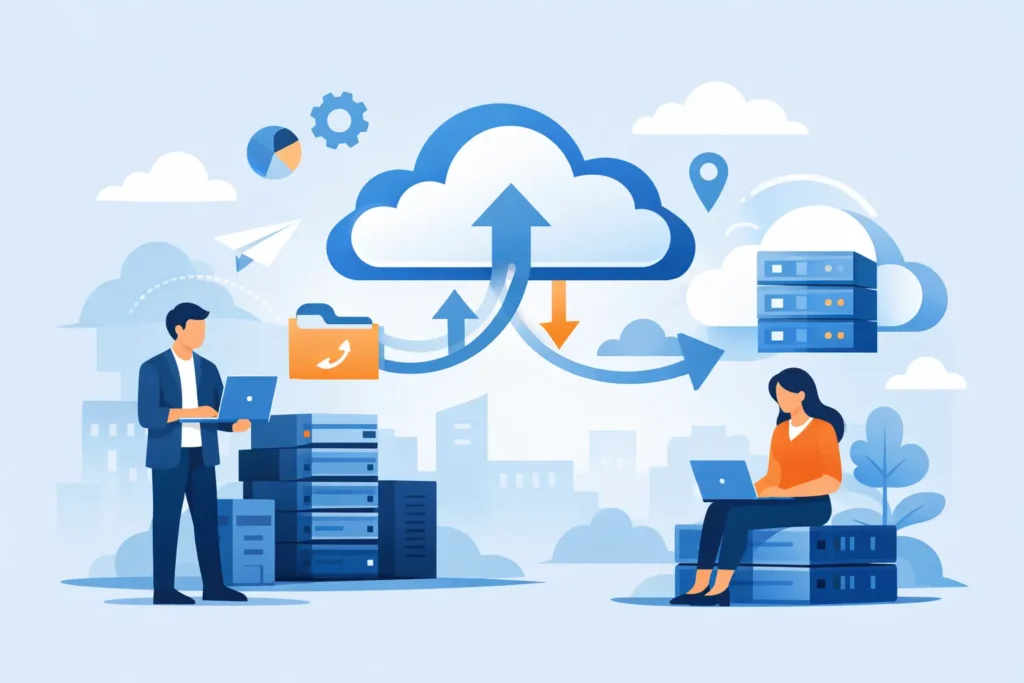
Invoice approvals take four days because staff export data from one system, email spreadsheets to another team, and reconcile changes in a third. That is not simply an IT inconvenience. It delays cash decisions, hides bottlenecks, and makes growth more expensive to manage.
A cloud migration strategy for small business should address those business consequences before it addresses infrastructure. Moving applications and data to cloud services can reduce the burden of maintaining aging servers and give teams more flexibility. It can also create new cost, security, and operational problems when a company moves the wrong workload, copies poor data, or treats migration as a one-time technical task.
The right plan starts with what needs to improve: faster order processing, more reliable reporting, remote access for field teams, or a foundation for a new customer product. From there, you can decide what to move, what to replace, and what should stay where it is for now.
Start with the operational problem, not the server
A server nearing the end of its life can trigger a migration conversation, but hardware replacement alone rarely defines the right project. Ask which daily process suffers when the current setup fails to keep up. Perhaps a warehouse team cannot see updated stock levels, customer support searches across disconnected tools, or leaders wait until month-end for performance reports.
This framing changes the decisions that follow. If your goal is better reporting, you may need to consolidate data and define common metrics before moving every application. If your goal is faster product delivery, a cloud environment that helps developers test and release changes may matter more than migrating an old internal tool unchanged.
Create a short list of outcomes with an owner for each one. Keep them specific enough to test. “Reduce manual handoffs in invoice approval” gives the project team a clear target. “Modernize technology” does not.
Build an inventory that exposes risk and value
Many small businesses discover undocumented dependencies only after a migration begins. An accounting tool may pull files from a shared drive. A customer portal may rely on a scheduled script that one former contractor created. An older application may require a database version that newer systems no longer support.
Map every application, data store, integration, user group, and recurring job. For each item, identify the business owner, the users who rely on it, the data it handles, its peak usage periods, and the consequence if it stops working. This work may feel slow, but it prevents rushed decisions later.
Then sort systems into practical categories. Some workloads can move with minor changes. Others need updates before they can run reliably in a cloud environment. A third group may deserve replacement because the application creates too much manual work or cannot support the business process you need next year.
Do not assume every system belongs in the cloud. A stable application tied to specialized on-site equipment may remain local for a period. A low-value tool that few people use may not justify migration work at all. The goal is a manageable technology estate, not a larger cloud bill.
Choose a migration path for each workload
A useful cloud migration strategy for small business rarely uses one approach for everything. Each path trades speed against future flexibility.
A direct move transfers an application with few changes. It can reduce the immediate pressure of aging infrastructure, making it useful when you need to exit a server room quickly. However, the application may retain its old performance limits, maintenance burden, and awkward workflows.
A modest modernization updates selected components, such as storage, databases, or deployment processes, while preserving the core application. This approach takes more planning, but it can improve reliability and make future changes easier.
Replacement means adopting or building a different application because the current one no longer supports the operation. That option carries the highest change-management risk because people must learn new workflows and teams must migrate data carefully. It can still make business sense when a legacy system forces repetitive data entry, limits customer service, or blocks product expansion.
Retirement is also a valid decision. Removing redundant tools can reduce support work, lower confusion over which data source is correct, and simplify access management. Before you retire anything, confirm that no downstream report, scheduled export, or customer-facing process depends on it.
Design the foundation before moving production work
Cloud services let teams provision resources quickly. That speed helps only when your environment has clear rules from the start. Without them, companies often create separate accounts, inconsistent access permissions, scattered data copies, and bills that no one can explain.
Set up a shared foundation that defines who can access what, how teams separate test work from live operations, where logs go, and how you track spending. Access control means giving people only the permissions they need for their role. Logging records meaningful system activity, helping your team investigate an issue instead of guessing what changed.
Backups and recovery procedures also need testing, not just configuration. A backup that no one has restored may not help when an employee deletes important records or an update breaks an application. Run a controlled recovery exercise for critical systems, record the gaps, and improve the process while the stakes remain low.
Cost control belongs in this foundation. Tag resources by product, department, or project so leaders can understand why spending changes. Set budget alerts early, especially for services that scale automatically with storage, data transfers, or processing activity. Automatic scaling can handle fluctuating demand, but it needs sensible limits when workloads behave unexpectedly.
Move in waves that protect daily operations
A large migration weekend creates a tempting story: flip a switch, turn off the old systems, and move on. For most small businesses, that approach concentrates too much risk into one event. It also makes troubleshooting harder because several changes happen at once.
Instead, begin with a workload that matters enough to prove the process but does not stop the entire company if you need to roll back. A reporting environment, an internal collaboration tool, or a noncritical customer feature may provide a useful first wave. The specific choice depends on your dependencies and tolerance for disruption.
Each wave should include a migration plan, data checks, user testing, a communication plan, and a rollback decision. Define what “working” means before the move. For an order system, that might include creating an order, changing inventory, issuing a confirmation, and ensuring the finance team sees the correct record. Technical availability alone does not prove that the business process works.
Schedule moves around real operating patterns. Do not migrate a system that dispatchers depend on during their busiest period simply because the engineering calendar has space. Involve the people who use the process every day. They often know the exceptions that a technical inventory misses.
Treat data cleanup as part of the business project
Cloud migration often exposes duplicate customer records, inconsistent product names, missing ownership fields, and spreadsheets that have become unofficial systems of record. Copying all of that into a new environment preserves the problem at a higher operating cost.
Decide which data needs to move, how long you need historical records readily available, and which team owns data quality after the project. Archive records when staff rarely need them but the business still needs to retain them. Standardize key fields when several systems must exchange information. Establish one source of truth for measures such as customer status or order value.
This work also improves decision quality. A dashboard cannot give leaders a reliable answer when sales, operations, and finance use different definitions for the same metric. Migration creates a practical opportunity to resolve those differences before they shape new reports and automated workflows.
Plan for the operating model after launch
Migration does not end when the first workloads run in the cloud. Your team needs ownership for access requests, incident response, change approvals, cost reviews, and vendor management. Small businesses do not need enterprise-sized bureaucracy, but they do need repeatable decisions.
Document the handful of procedures that protect critical operations. Explain how someone requests access, how the team deploys a change, where support starts, and who decides when to restore a backup. Keep documentation close to the work and update it when the process changes.
If you lack internal capacity for architecture, application modernization, or data engineering, an embedded technical partner can help your team make those decisions without building every specialty in-house. HINTY approaches cloud work as part of the wider product and operational picture, connecting architecture choices to the workflows, data, and growth goals they need to support.
Your next step is not to select a cloud platform or schedule a move. Choose one operational problem that costs your team time, creates customer friction, or weakens decisions, then map the systems and data behind it. That single exercise will show whether you need a quick infrastructure move, a focused modernization effort, or a broader redesign before migration begins.